Why wireless TV headphones?
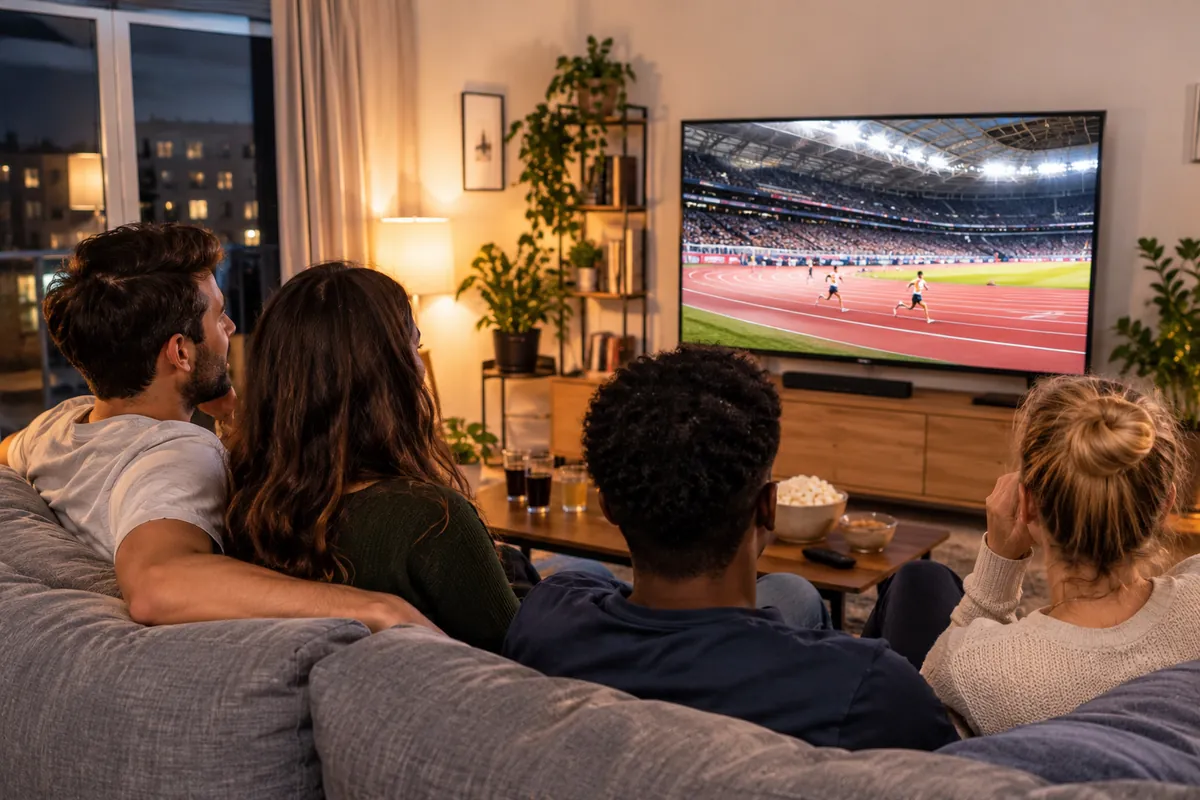
Big events held far from Europe have one thing in common: their finals often land in the middle of the night here. During the Los Angeles 2028 Games, eight hours behind the UK, the 100m, gymnastics and swimming finals will be on between midnight and 5am. And at 3am, the roar of the crowd and excitable commentary won't win you many fans in the next room… or next door.
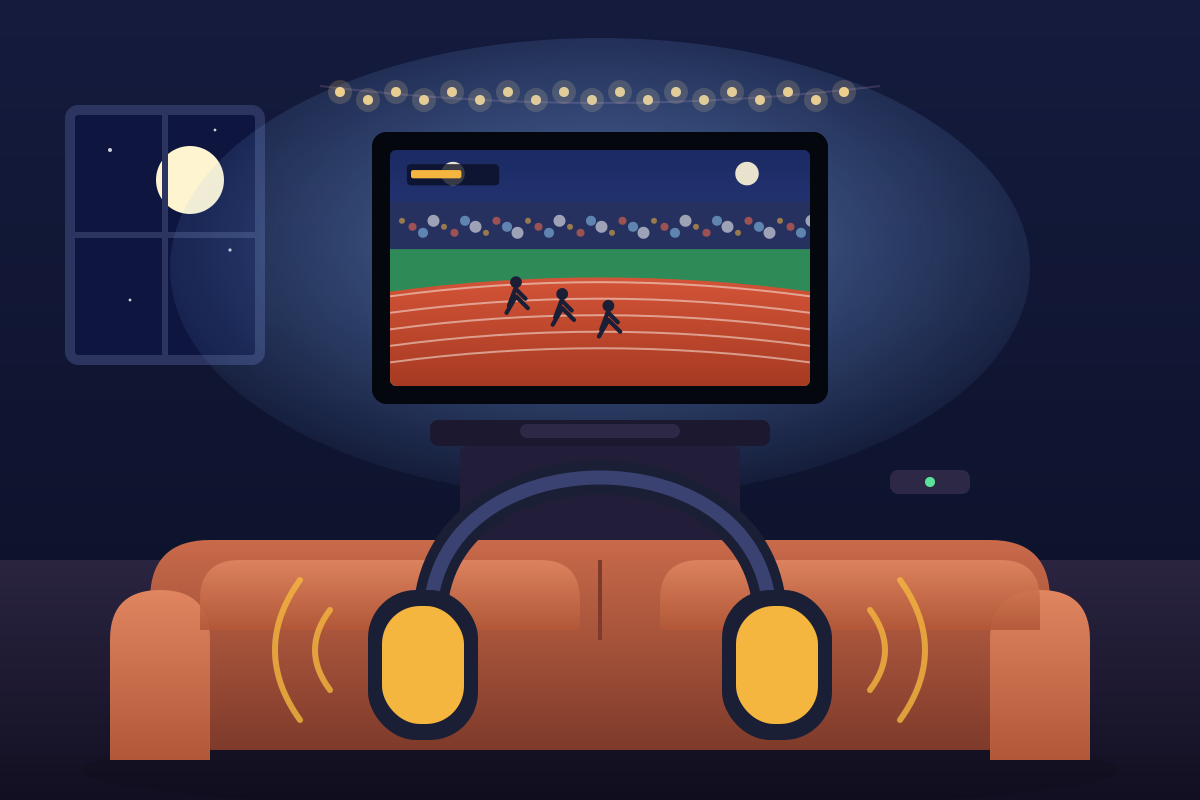
Wireless TV headphones solve the problem: you get the full sound, with clear commentary and the stadium atmosphere, while the house sleeps. And they're useful all year round:
- Watch a match while others do something else in the same room: reading, working, sleeping.
- Hear dialogue more clearly without turning the volume up for everyone, a real benefit for people with hearing loss.
- Move around freely: grab a glass of water or make the champions' breakfast without missing a word of the commentary.
The three technologies
Not all wireless headphones are equally good for TV. There are three main families, each with its own strengths.
1. Headphones with a transmitter base (RF or digital)
The classic and simplest solution for TV: a base connected to the television sends the sound to the headphones. Depending on the model, transmission is by radio frequency or digital, often on the 2.4 GHz band.
- Strengths: very little delay between picture and sound, good range through walls, universal connection, and a base that doubles as a charging stand.
- Weaknesses: one more box next to the TV, and headphones usually dedicated to TV use, less handy for music on the go.
2. Bluetooth headphones
You may already own Bluetooth headphones for music. They can work with your TV if it has Bluetooth, or via a small Bluetooth transmitter plugged into it.
- Strengths: one pair for everything, often with noise cancelling, and possibly nothing extra to buy.
- Weaknesses: latency. With standard Bluetooth, the sound can arrive slightly late, visible on the commentators' lips. You need a low-latency codec supported by both the transmitter and the headphones, or a sync setting on the TV.
3. Bluetooth LE Audio and Auracast: the future
The new generation of Bluetooth, called LE Audio, brings a very promising feature for sporting nights: Auracast, which lets you broadcast the same sound to several compatible headphones or earbuds. Ideal for watching a final with two or three people, each with their own pair. The technology is gradually arriving in new TVs, transmitters and headphones, so check compatibility across all your devices before you buy.
What really matters
Latency (the delay between picture and sound)
This is the number one factor for sport. Even a small delay between the starter's gesture and the sound of the gun quickly becomes unbearable. Headphones with their own transmitter base are the safest bet. With Bluetooth, look for a low-latency codec and check the transmitter supports it. Most TVs also have an "audio sync" setting to correct a small delay.
Comfort for hours on end
An Olympic night can mean four or five hours wearing headphones. Comfort is key:
- Weight: under 300 grams, you'll soon forget you're wearing them.
- Ear cushions: memory foam with breathable fabric rather than faux leather in midsummer.
- Open or closed-back: closed-back headphones isolate better and leak less sound, which is better at night. Open-back ones are airier but more audible to others.
Battery life and charging
Aim for at least 12 hours of battery life. Models with a charging base, where you simply rest the headphones after use, are the most practical: no hunting for cables, and always ready for the next big night.
Range
Handy for nipping to the kitchen or another room without losing the sound. Transmitter-base headphones usually offer good indoor range; Bluetooth less so, especially through walls.
Clear speech
Some headphones designed for TV have a "speech" mode that brings out the commentary, plus a left/right balance setting. A real plus for anyone whose hearing isn't what it was.
Our picks by use
A transmitter base that doubles as a charger, up to 60 m range, 20 hours of battery and Bluetooth LE Audio support. The simplest option for TV.
Speech clarity feature, 3 listening profiles, separate left and right volume, up to 70 m range. Ideal for anyone with hearing loss.
Use your own Bluetooth headphones with a TV that doesn't have Bluetooth, without sound lag.
Class-leading noise cancelling, around 254 g, comfortable for long nights and great for music and travel. Pair with a low-latency transmitter for TV.
How to connect wireless headphones to your TV
Before you buy, check the back of your TV to see which audio outputs you have:
- Optical audio output: a small square port, often labelled "Optical" or "SPDIF". Most transmitter-base headphones and Bluetooth transmitters support it.
- Headphone jack (3.5mm): the simplest option, found on many TVs. It usually lets you control the volume with the remote.
- RCA outputs (red and white): on older models.
- HDMI ARC only: a small HDMI audio extractor gives you an optical or headphone output.
- Built-in Bluetooth: many recent TVs have it. Go to the sound settings, under "Sound output", to pair your headphones.
Settings to check
- Headphones and speakers: depending on the model, the TV either mutes its speakers when headphones are connected or lets you keep both. Handy if others are watching without headphones.
- Audio format: if you hear nothing through the optical output, set the TV's digital output to "PCM" rather than "Auto" or "Dolby".
- Sync: if there's a slight Bluetooth delay, adjust the "audio delay" or "AV sync" setting.
The small accessories that let you connect headphones to any TV.
Step by step: set-up in five minutes
- Position the base near the TV, in the open, not behind metal or inside a closed cabinet.
- Plug in the cables: optical or headphone cable from the TV to the base, then the power adapter.
- Choose the sound output in the TV's audio settings; for optical, select "PCM".
- Charge the headphones fully before their first use.
- Test with a recording: play some sport, check the lip sync and set a comfortable volume.
Watching together with headphones
A final is better shared, even in silence. There are several ways to do it:
- Expandable transmitter-base systems: some accept one or more extra headphones from the same brand.
- "Dual link" Bluetooth transmitters: they stream to two Bluetooth headphones at once.
- Auracast: Bluetooth LE Audio's broadcast feature sends the same sound to several compatible devices. A future-proof option for nights in with friends.
Long, loud listening: look after your ears
A night of finals on headphones means several hours of listening. A few good habits to protect your hearing:
- Keep the volume moderate: you should be able to hear someone talking next to you.
- Take breaks: take the headphones off for a few minutes between sessions.
- Watch out in the heat of the moment: in a tense final, it's tempting to turn it up. Headphones with a volume limiter are a real plus, especially for children.
Care and hygiene
Headphones worn through long summer nights deserve a little care. Wipe the ear cushions with a slightly damp cloth after use and let them air-dry rather than packing them straight away. Many models have replaceable cushions: after a year or two of heavy use, a fresh pair restores both comfort and sound. If several people share one set, washable fabric covers are a simple, hygienic fix. And keep the headphones on their charging base, so they're always ready and never lost down the side of the sofa.
What should you budget?
Prices vary widely depending on the technology and comfort. A low-latency Bluetooth transmitter is the cheapest option if you already own a good pair. Transmitter-base TV headphones sit in the mid-range, while premium models add comfort, battery life and sound quality. Our advice: spend on comfort and low latency first, rather than on features you won't use at 3am.
Mistakes to avoid
- Buying Bluetooth headphones without checking latency: picture-sound lag spoils the experience.
- Not checking your TV's outputs before buying.
- Overlooking comfort: a tight pair starts to hurt after an hour.
- Testing on the night: set up and test your headphones several days before the first big night.
In short
For watching big finals at night, transmitter-base TV headphones remain the simplest and most reliable choice. If you already own a good pair of Bluetooth headphones, a low-latency transmitter may be all you need. And if you're kitting out the whole family, look for Auracast-compatible devices. Whatever you choose, test your set-up before the Games. Final times are in our guide to the LA 2028 schedule in UK time.
Frequently asked questions
What type of wireless headphones are best for watching TV?
For TV, headphones with a dedicated transmitter base (RF or 2.4 GHz digital) remain the simplest and most reliable option: low latency, good range and a direct connection to the TV. Bluetooth headphones work well if your TV or transmitter supports a low-latency codec.
Is there a delay between picture and sound with Bluetooth headphones?
There can be. Standard Bluetooth can introduce a visible lag between lips and voice. Low-latency codecs and your TV's audio sync setting reduce the problem. Headphones with their own transmitter base are much less affected.
Can you connect two pairs of wireless headphones to one TV?
Yes, with certain systems: some transmitter-base headphones accept a second pair, and some Bluetooth transmitters can stream to two headphones at once. The new Bluetooth LE Audio standard, with its Auracast feature, is designed to send the same sound to several devices.
How do you connect wireless headphones to a TV without Bluetooth?
Use headphones with a transmitter base or an external Bluetooth transmitter, plugged into the TV's optical audio output, headphone jack (3.5mm) or RCA outputs. If the TV only has HDMI ARC, a small HDMI audio extractor gives you an optical or headphone output.
Are wireless TV headphones good for people with hearing loss?
Yes, it's one of their main uses. Some models offer a speech clarity setting and volume that's independent of the TV, so the rest of the family can keep a normal volume.
How much battery life do you need for a night of sport?
Aim for at least 12 hours, ideally more. Models with a charging base, where you simply rest the headphones after use, are the most practical: they're always charged for the next big night.

Passionate about new tech and sport, we created PodiumSofa to bring the two together. We carefully select the screens, headphones and settings we recommend, and check every time against official sources. Find out more
Spotted a mistake or something out of date? Email us at contact@podiumsofa.eu and we'll fix it quickly. · How we choose
Was this page helpful?
Anonymous: no cookies, no IP address stored. Please don't include any personal details.
Some links on this page are Amazon affiliate links and are labelled as such. If you buy through them, the site may earn a commission at no extra cost to you. As an Amazon Associate we earn from qualifying purchases.