The essentials in 30 seconds
- Projectors shine in the evening: with the LA Olympics, the overnight finals are the perfect moment.
- Compare brightness in ISO or ANSI lumens, never fanciful figures.
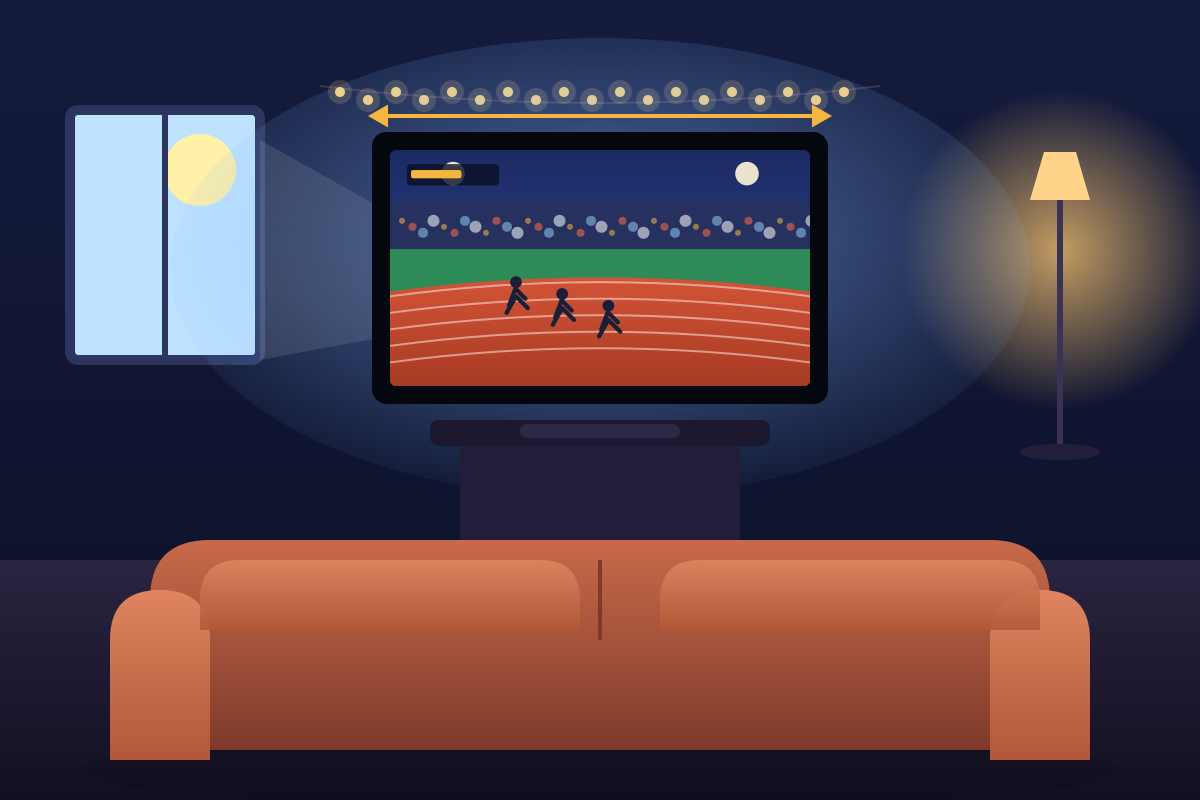
- Measure the distance from projector to wall: it determines the picture size.
- Plan for sound: a soundbar or speaker is half the show.
Why a projector for sport?
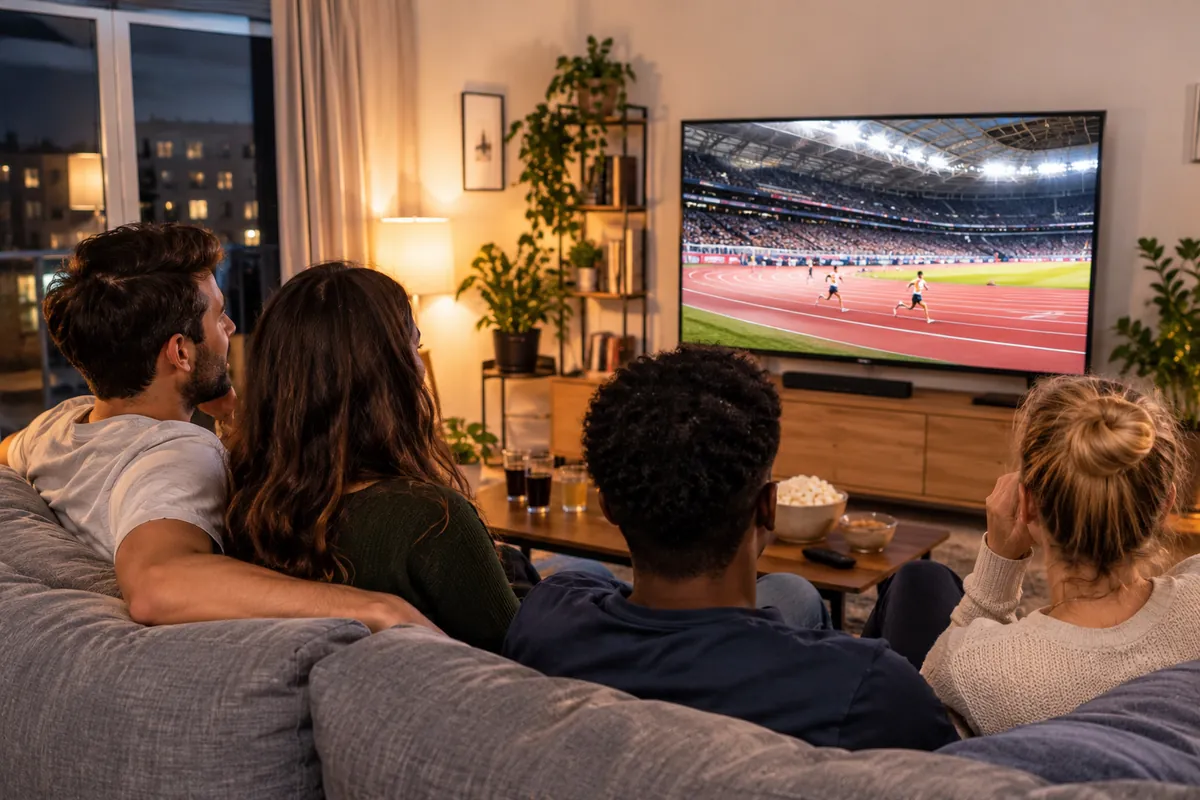
A 65-inch TV measures about 1.65 metres diagonally. A projector can show 100 inches, over 2.5 metres, and often more, for a similar price to a good TV. For a final with friends, the effect is stunning: it feels like the cinema, or the stands.
For the Los Angeles Olympics, projectors have a big advantage: with an eight-hour time difference, California's big evening finals fall overnight in the UK. Curtains closed, room dark: exactly the conditions in which a projector is at its best.
Read next🌙 How to host an Olympic all-nighter with friends→What matters
1. Brightness
The most important criterion, and the trickiest. Only ISO or ANSI measurements allow a fair comparison. Some cheap projectors advertise huge "lumen" figures with no standard behind them: they're misleading. For a dark room, around 1,500 to 2,000 ISO lumens is enough. If you can't get it fully dark, aim considerably higher.
2. Resolution
4K is now common, often achieved with a very effective pixel-shifting technique. For sport, Full HD is still fine on a medium-sized image, but 4K brings real sharpness to a big picture, especially for reading scores and graphics.
3. Throw distance
Every projector has a "throw ratio" that tells you how big a picture it makes at a given distance. A standard projector often needs 2.5 to 3.5 metres for a 100-inch image. Short-throw models sit much closer, handy in a small living room. Always check this before you buy.
4. Motion handling
Motion handling matters for sport. DLP projectors are very smooth, though some people notice small "rainbow" effects on high-contrast scenes. Laser and newer models have improved a lot here.
5. Built-in smart system
A projector with Google TV or similar gives direct access to broadcasters' and streaming apps. Otherwise, a streaming stick via HDMI does the job perfectly.
Our recommended models
We chose these projectors by cross-checking specifications and specialist reviews, for living-room use, sports nights included.
Compact entry-level: Hisense M2 Pro
The M2 Pro is a small 4K laser projector that's easy to move from room to room, regularly recommended as one of the best entry-level models. Ideal for discovering the giant screen without turning your lounge into a cinema.
Compact, 4K laser, easy to set up. Perfect for a first giant-screen experience, in the lounge or the bedroom.
Best-value 4K: BenQ W2720i
The W2720i is a 4K projector praised for its excellent balance of picture quality and price, with support for a range of HDR formats. A great choice for a living room you can darken, with a sharp, natural picture.
A sharp, natural 4K picture at a sensible price: the smart choice for a room you can darken.
The bright all-rounder: XGIMI Horizon 20
With an RGB laser rated at 3,200 ISO lumens, the Horizon 20 is bright enough for a room that isn't completely dark. It has Google TV built in and lens shift to make set-up easier. It's one of the most recommended projectors of 2026 for all-round use.
Bright RGB laser, Google TV built in, easy set-up. The projector for watching in the evening without total darkness.
What picture size for your living room?
Grab a tape measure before you buy. Here are rough guides for a standard-throw projector, to check afterwards with the manufacturer's calculator:
| Picture size | Picture width | Typical throw (standard lens) | Recommended seating distance |
|---|---|---|---|
| 80 inches | about 1.8 m | about 2 to 2.8 m | 2.5 to 3 m |
| 100 inches | about 2.2 m | about 2.5 to 3.5 m | 3 to 4 m |
| 120 inches | about 2.7 m | about 3 to 4.2 m | 3.5 to 5 m |
Rough figures for 16:9: the exact distance depends on each model's throw ratio.
For sport, you don't need the biggest possible picture: sit too close and you'll have to turn your head to follow play from one end of the pitch to the other. A picture that comfortably fills your field of view, no more, is ideal.
The projector: your ally for Olympic nights
At the Los Angeles Games, events in the Californian morning fall in the late afternoon in the UK, still daylight in July: the TV is better then. But from the evening, and especially for the overnight finals, the projector takes over. A good plan: TV for the afternoons, projector for the big nights. And if you only have one screen, save the projector for the nights you have guests: that's when the giant screen makes the biggest impression.
White wall or projector screen?
A smooth, matt white wall is enough to start with. But a projector screen noticeably improves contrast and sharpness, for a small cost compared with the projector. Fixed-frame screens look best, while pull-down models disappear when you're not using them. For a garden screening, a freestanding or inflatable screen causes a stir.
Avoid coloured walls: the wall colour tints the whole picture. And steer clear of textured finishes like Artex, which blur the detail.
Sound: half the show
Built-in projector speakers are sometimes decent, but they sit in the middle or back of the room, far from the picture. For a real stadium atmosphere, connect a soundbar or speaker near the screen. For a garden screening, a sturdy Bluetooth speaker will do, as long as there's no delay with the picture.
Read next🔊 Soundbars for sport: finally hear the commentary and the roar of the crowd→Set up your projector in 6 steps
- Measure the distance from the projector's spot to the wall, and check the matching picture size.
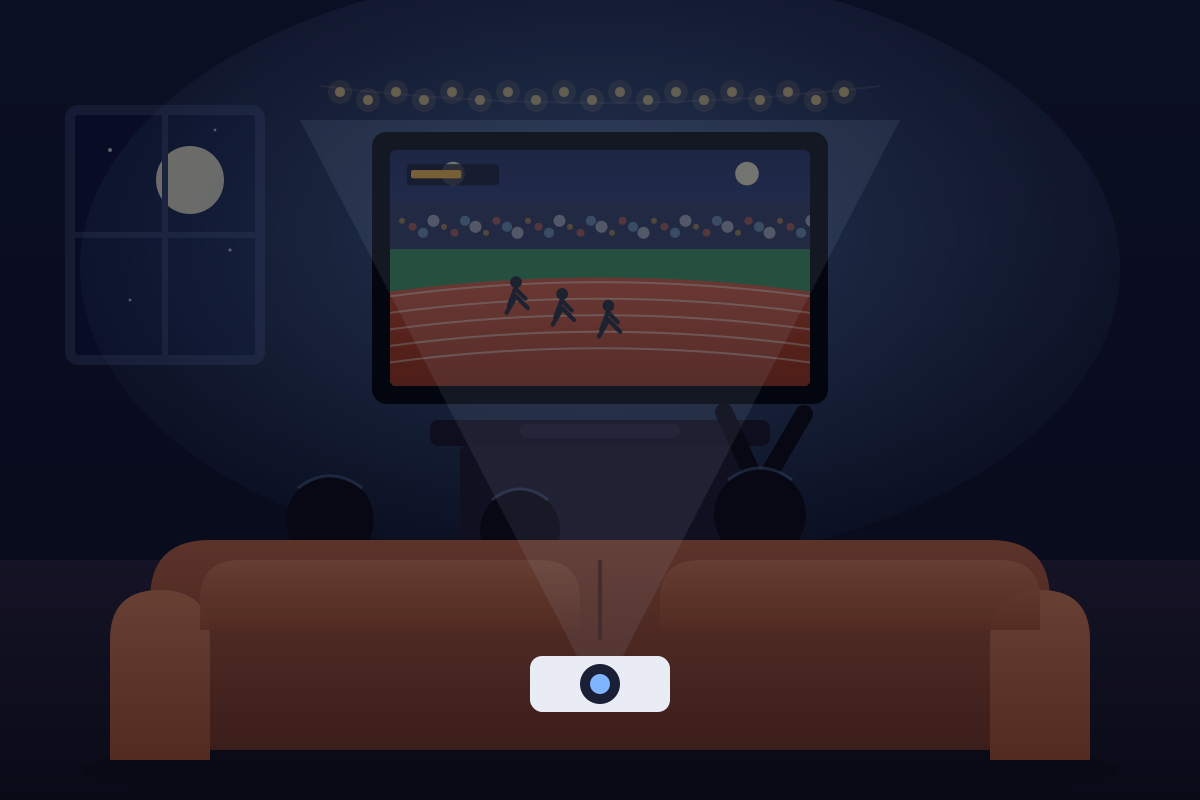
- Choose its position: on a shelf behind the sofa, on the coffee table, or ceiling-mounted for a permanent set-up.
- Centre the picture with lens shift or keystone correction, the latter sparingly, as it reduces sharpness.
- Focus on a still image with text, such as the menu.
- Connect the sound to a soundbar or speaker.
- Do a dress rehearsal with a real match a few days before the big night.
A final in the garden?
In summer, nothing beats an outdoor screening. A few tips:
- Wait for proper darkness: in July, it stays light late. The LA finals, in the middle of the night, are perfect.
- Bring an extension lead and multi-plug, protected from damp.
- Think of the neighbours: sound carries at night. Headphones or a sensible volume are a must.
- Keep the Wi-Fi in range: a booster or cable avoids drop-outs at the worst moment.
- Mind the midges: projector light attracts insects on summer nights. A repellent or a light placed a little way off keeps them away from the picture.
The jargon explained
- ISO and ANSI lumens: standardised brightness measurements, the only ones you can compare.
- Throw ratio: the relationship between distance and picture width. At 1.2:1, a distance of 2.4 metres gives a picture 2 metres wide.
- Short throw and ultra-short throw: projectors that sit very close to the wall, down to a few centimetres.
- Lens shift: moves the picture without moving the projector and without losing sharpness.
- Keystone correction: digitally straightens a skewed picture, at the cost of some sharpness.
Laser or lamp?
Older and cheaper projectors use a lamp that loses brightness after a few thousand hours and needs replacing. Laser projectors, like the models recommended above, last much longer, switch on instantly and keep their brightness for years. They often cost more up front, but over their lifetime, with several summers of sport up to 2032, they quickly pay their way.
Renting? Set up without drilling
Not everyone can, or wants to, drill into ceilings and walls. Fortunately, you don't have to:
- A shelf or sideboard behind the sofa: the simplest solution if the distance to the wall works.
- A floor stand or trolley: wheel the projector out for the evening, then put it away.
- A freestanding screen: up in minutes and back in the cupboard afterwards.
- A short-throw projector: placed on a low unit right in front of the wall, it needs no mount at all.
If you set up each time, try to put the projector in exactly the same spot. A small mark on the floor or the unit saves you re-aligning and refocusing before every match.
Mistakes to avoid
- Believing brightness figures with no standard: compare only ISO or ANSI lumens.
- Forgetting the throw distance: a standard projector in a small room will give too small a picture.
- Projecting onto a coloured or textured wall.
- Underestimating fan noise: on some models you'll hear it in quiet moments.
- Relying on the projector in daylight: for afternoon fixtures, the TV is better.
- Forgetting updates: switch the projector on a few days before to install system and app updates, which can take a while.
Your giant-screen night checklist
- ✅ Check the final's start time in UK time.
- ✅ Test the broadcaster's or platform's stream on the projector.
- ✅ Get it dark: curtains, blinds, dimmed lamps.
- ✅ Connect the soundbar or speaker.
- ✅ Lay on snacks and drinks to last until the end.
Frequently asked questions
Is a projector good for watching sport?
Yes, especially in the evening and at night, when you can darken the room. The giant picture makes big matches spectacular. In daylight, though, a TV is more comfortable, unless you have a very bright projector and blackout curtains.
How bright does a projector need to be?
For a dark living room, around 1,500 to 2,000 ISO lumens is enough. If some light remains, aim higher. Be wary of very high brightness claims from unknown brands: only ISO or ANSI figures can be compared.
Do I need a projector screen?
A smooth white wall will do to start with. A proper screen improves contrast and sharpness, though, for a modest cost. For the garden, there are inflatable and freestanding screens.
Is projector sound good enough?
Some models have decent built-in speakers, but for a night with friends, a soundbar or speaker adds much more scale.
Can I stream sport on a projector?
Yes. Most recent models have streaming apps built in. If not, a streaming stick connected via HDMI gives you access to broadcasters' and platforms' apps.
Projector or big TV for sport?
A TV is more practical day to day and in daylight. A projector gives you a much bigger picture for a similar budget, ideal for evenings and special occasions. Many fans have both.

Passionate about new tech and sport, we created PodiumSofa to bring the two together. We carefully select the screens, headphones and settings we recommend, and check every time against official sources. Find out more
Spotted a mistake or something out of date? Email us at contact@podiumsofa.eu and we'll fix it quickly. · How we choose
Was this page helpful?
Anonymous: no cookies, no IP address stored. Please don't include any personal details.
Some links on this page are Amazon affiliate links and are labelled as such. If you buy through them, the site may earn a commission at no extra cost to you. As an Amazon Associate we earn from qualifying purchases.