The essentials in 30 seconds
- Dark room or mostly evening viewing: choose an OLED, unbeatable for contrast and motion.
- Very bright room, afternoon sport: go for a Mini-LED, which is brighter and less prone to glare.
- Size matters most: for the same budget, a bigger screen often adds more to your enjoyment of sport than a better panel.
- A native 100/120Hz panel is the real measure of smooth motion. Ignore the higher marketing numbers.
- Plan for sound: a soundbar transforms commentary and the stadium atmosphere.
Why sport is the ultimate test for a TV
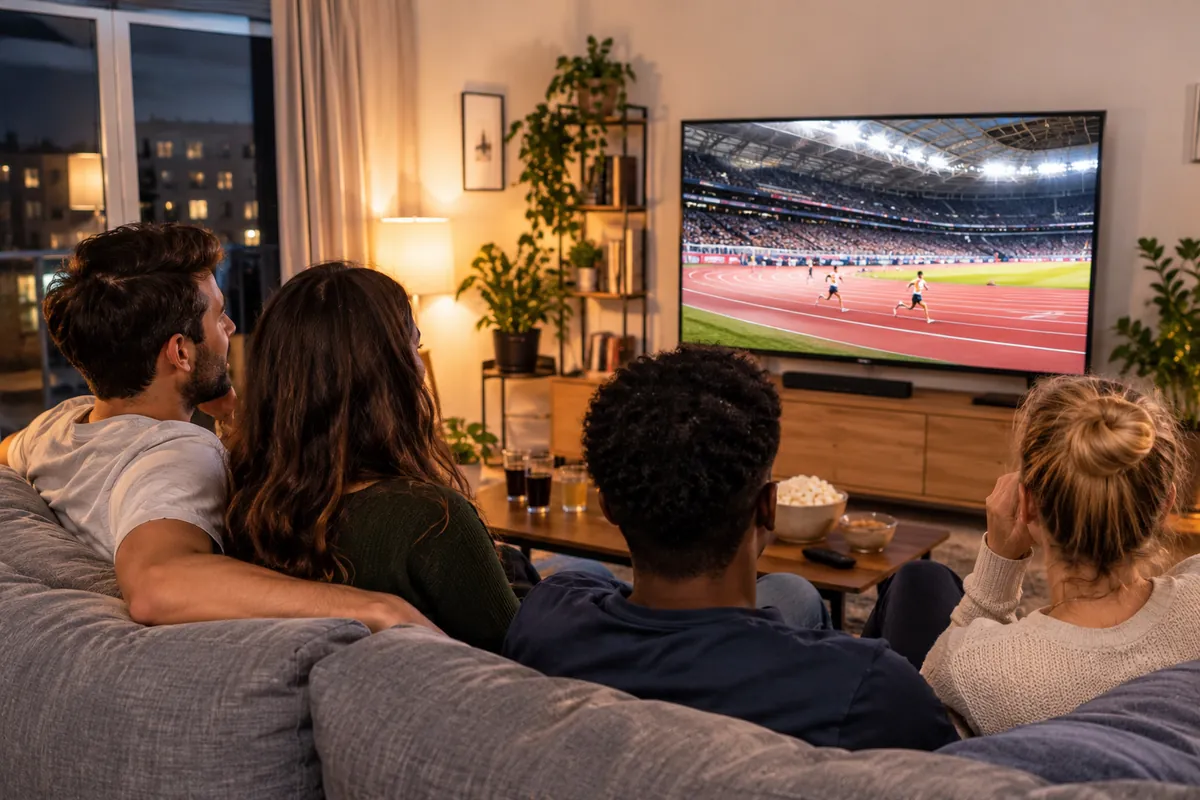
A film is shot at 24 frames per second, with carefully controlled camera moves. Sport is the opposite: a tennis ball flashing across the screen, cameras panning to follow a sprinter, wide shots of a green pitch where every flaw stands out. And we often watch in broad daylight, in groups, with friends sitting off to the side.
The result: a TV that's brilliant for films can disappoint for sport, and vice versa. Four things make the difference.
1. Motion handling
This is the number one criterion. A native 100/120Hz panel shows fast movement far more sharply than a 50/60Hz one. Be wary of spec sheets quoting "200Hz", "1,000Hz" or a "motion rate": these are processed figures, not the panel's real refresh rate. The TV's motion processing matters too: the big brands do it well, and a "sport" or "clear motion" setting often helps.
2. Brightness and glare
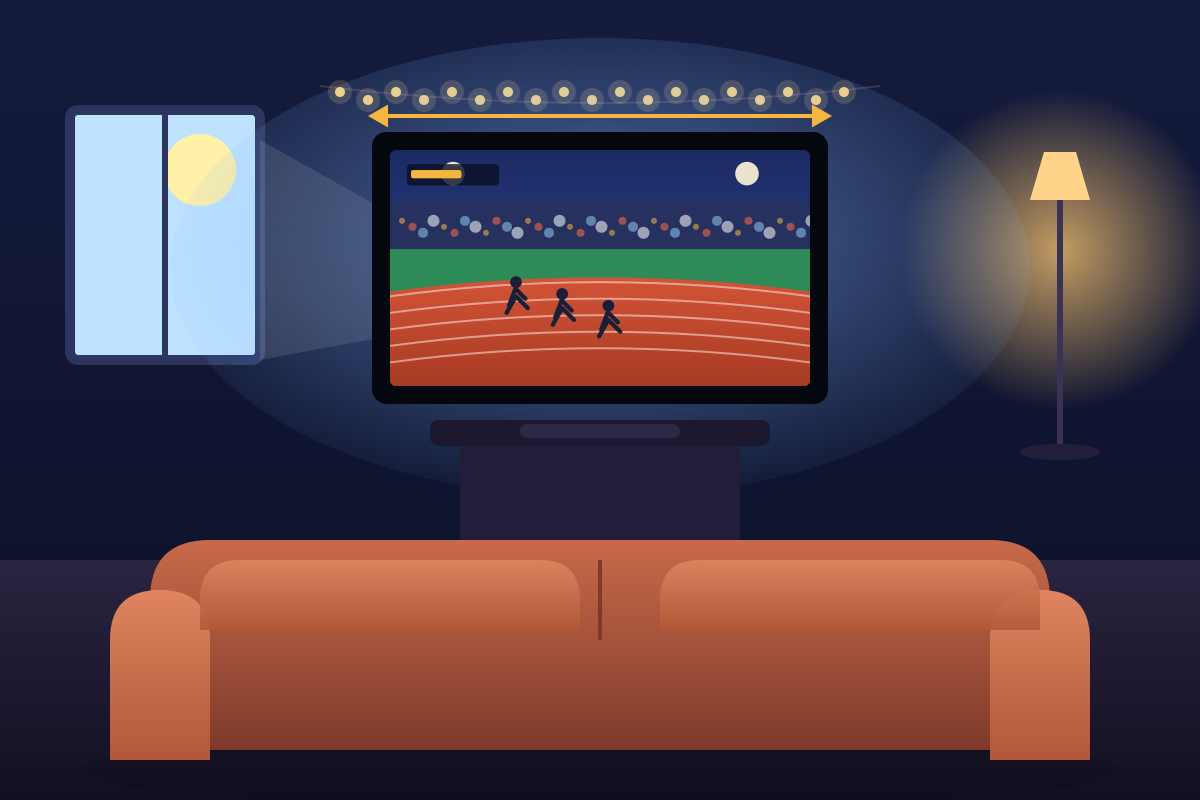
On a sunny afternoon, a screen that's too dim or too reflective becomes tiring to watch. Mini-LED TVs are the brightest, and some models have very effective anti-glare coatings. OLEDs have improved, but their glossy screens reflect windows and lamps more.
3. Viewing angles
When you watch with friends, not everyone sits dead centre. On some LCD screens, colours wash out as soon as you move to the side. OLED excels here: the picture stays the same wherever you sit.
4. Handling average-quality broadcasts
Not every broadcast arrives in pristine 4K. Streams, some channels and the less prominent events are often lower quality. A good picture processor upscales them without turning them to mush. It's one of the areas where the big brands pull ahead of budget models.
OLED or Mini-LED: how to decide
| OLED | Mini-LED | |
|---|---|---|
| Contrast | Perfect blacks | Very good, sometimes slight blooming |
| Brightness | Good | Excellent |
| Glare | More sensitive, unless it has an anti-glare screen | Usually better controlled |
| Viewing angles | Excellent | Varies by model |
| Ideal for | Evening and late-night sport, controlled lighting | Bright living rooms, daytime sport |
For the Los Angeles Olympics, one detail matters: with the time difference, many finals will fall in the evening and overnight in the UK. That's OLED's ideal territory. Euro 2028, with its afternoon kick-offs, will show off the brightness of Mini-LED instead.
Read next⏱️ Los Angeles 2028 Olympics: the schedule in UK time→What size should you buy?
For sport, a big screen makes a real difference: you follow the ball more easily and read scores and graphics without squinting. A simple rule:
- 2 metres from sofa to screen: 50 to 55 inches.
- 2.5 metres: 55 to 65 inches.
- 3 metres or more: 65 to 75 inches, or even bigger.
Our advice: for the same money, going from 55 to 65 inches often adds more to your enjoyment of sport than moving up a range on a smaller screen. And hardly anyone regrets going bigger.
Our recommended models
We chose these TVs by cross-checking specifications and specialist reviews for sports viewing. Last year's models remain excellent buys: they're often much cheaper, with very little difference on screen.
Best for most people: LG OLED C6
The C6 is widely regarded as the benchmark TV of 2026, for sport and films alike. Excellent motion, wide viewing angles, perfect contrast: it's the ideal TV for Olympic evenings and late nights. Its only weakness is a glossy screen that reflects windows during the day. It comes in a wide range of sizes, from 42 to 83 inches.
A very smooth OLED with excellent viewing angles, ideal for evening sport with friends. Just avoid putting it opposite a big window.
For a very bright room: Samsung Neo QLED QN90F
If your living room is flooded with light and you watch a lot of afternoon sport, you need a very bright Mini-LED. The QN90F is known for its brightness and its handling of reflections. It costs more than budget Mini-LEDs, but it's one of the best TVs for watching a match in full sunshine.
A very bright Mini-LED built to keep a punchy picture during the day. The right choice for the Euros and afternoon fixtures.
No-compromise premium: Samsung OLED S95H
The S95H combines OLED contrast with a matte anti-glare screen that cuts reflections dramatically. It regularly features among the best TVs for sport. The only catch: it doesn't support Dolby Vision, which doesn't matter for sport, and its price puts it in enthusiast territory.
OLED with a matte anti-glare screen: perfect contrast and very few reflections, even in daylight. For enthusiasts who want the best.
Best value: TCL C7K
On a tight budget, an entry-level Mini-LED now delivers a surprisingly good picture. The C7K is often recommended as one of the best budget TVs for sport. Very fine textures can occasionally lose a little clarity, but for the price, its brightness and motion are remarkable.
A big, bright screen at a sensible price, with Google TV built in. Ideal for treating yourself to 65 inches without breaking the bank.
For a small budget: Hisense E7Q
For a bedroom, a second lounge or a first big screen, the E7Q is a popular entry-level QLED at a great price. It can't match the models above for motion or brightness, but it comes in many sizes, from 43 to 98 inches, at very affordable prices.
An entry-level QLED available in very large sizes at a low price. Perfect for a second room or a first big screen.
The settings that make all the difference
TVs rarely come out of the box with the right settings for sport. Five minutes is enough for a big improvement.
- Choose the right picture mode: "Sport" mode is often oversaturated, with neon-green grass. Try "Standard" or "Cinema" instead and raise the brightness a little.
- Use motion smoothing in moderation: set it to a medium level. Too high and you'll see artefacts around the ball.
- Turn off energy-saving modes for big matches: they often dim the picture.
- Use automatic brightness if the light in your room changes a lot between afternoon and night.
- Check the quality of your source: an HD box or app matters as much as the TV itself.
Smart TV: does it have iPlayer and your streaming apps?
Before you buy, check the operating system. BBC iPlayer and the main streaming apps are generally available on the major platforms, such as Google TV, LG webOS and Samsung Tizen. Still, make sure the apps you'll need for the Games are available on the model you choose. And if your TV stops getting updates in a few years, a small streaming stick will bring the apps back.
Energy use: what to look for
A big TV runs for a lot of hours during a summer of sport. It's worth checking the energy label, which shows consumption in SDR and HDR. Bigger screens naturally use more, and picture mode makes a big difference: "Vivid" or "Dynamic" modes push brightness, and power use, right up. With a balanced picture mode and automatic brightness, you'll save electricity without the picture suffering for sport.
What about sound?
The slimmer the TV, the less room there is for speakers. The result: commentary that's sometimes hard to follow and a rather flat stadium atmosphere. It's often the first flaw you notice when watching sport. Even an entry-level soundbar transforms the experience, and at night, wireless headphones let you enjoy the match without waking the house.
Read next🔊 Soundbars for sport: finally hear the commentary and the roar of the crowd→ Read next🎧 Wireless TV headphones: watch sport without waking anyone→When to buy
- Black Friday and the January sales: last year's models often hit their lowest prices.
- Spring: new models arrive and older ones are discounted. The ideal time before a summer of big events.
- A few weeks before the event: "football" or "Olympics" deals are common, but popular sizes can sell out.
Don't leave it until the night before the opening ceremony: with delivery and set-up, you could miss the first week.
Your pre-purchase checklist
- ✅ Measure the distance from sofa to wall, and the space on your TV unit.
- ✅ Look at the light in your room in the afternoon: dark room, OLED; bright room, Mini-LED.
- ✅ Check for "native 100/120Hz".
- ✅ Check that the apps for your channels and streaming services are available.
- ✅ Budget for a soundbar.
- ✅ Compare with last year's model, often much cheaper.
Once your TV is set up, all you need to know is which channel and what time to tune in for the big events.
Read next📺 How to watch the LA 2028 Olympics in the UK→Frequently asked questions
OLED or Mini-LED: which is better for watching sport?
Both are excellent. OLED offers perfect blacks, very smooth motion and wide viewing angles, ideal when several people are watching. Mini-LED is brighter and copes better with reflections, so it suits a very bright living room where you watch sport during the day.
What size TV is best for sport?
As a rule of thumb, the screen diagonal should be around a third to half the distance between your sofa and the screen. At 2.5 metres, a 55 to 65-inch TV works very well. For sport, it's better to go slightly too big than too small.
Does 100Hz or 120Hz matter for sport?
Yes. A native 100/120Hz panel shows fast movement much more sharply, which you'll notice on a ball or a runner. Claims of '200Hz' or more are usually marketing figures created by image processing.
Should I buy a TV before the 2028 Olympics?
The best time to buy is often a few months before a major event, in the spring sales, or on the previous Black Friday. Last year's models are much cheaper then, with often minimal differences in quality.
Is TV sound good enough for sport?
It's enough to follow a match, but the speakers in slim TVs sound thin and can make commentary hard to follow. Even an entry-level soundbar makes a big difference.
Can a TV show several matches at once?
Some TVs offer a multi-view feature that lets you watch two sources at the same time. It's handy during the Olympics, when finals overlap, but it depends on the model and the apps you use.

Passionate about new tech and sport, we created PodiumSofa to bring the two together. We carefully select the screens, headphones and settings we recommend, and check every time against official sources. Find out more
Spotted a mistake or something out of date? Email us at contact@podiumsofa.eu and we'll fix it quickly. · How we choose
Was this page helpful?
Anonymous: no cookies, no IP address stored. Please don't include any personal details.
Some links on this page are Amazon affiliate links and are labelled as such. If you buy through them, the site may earn a commission at no extra cost to you. As an Amazon Associate we earn from qualifying purchases.